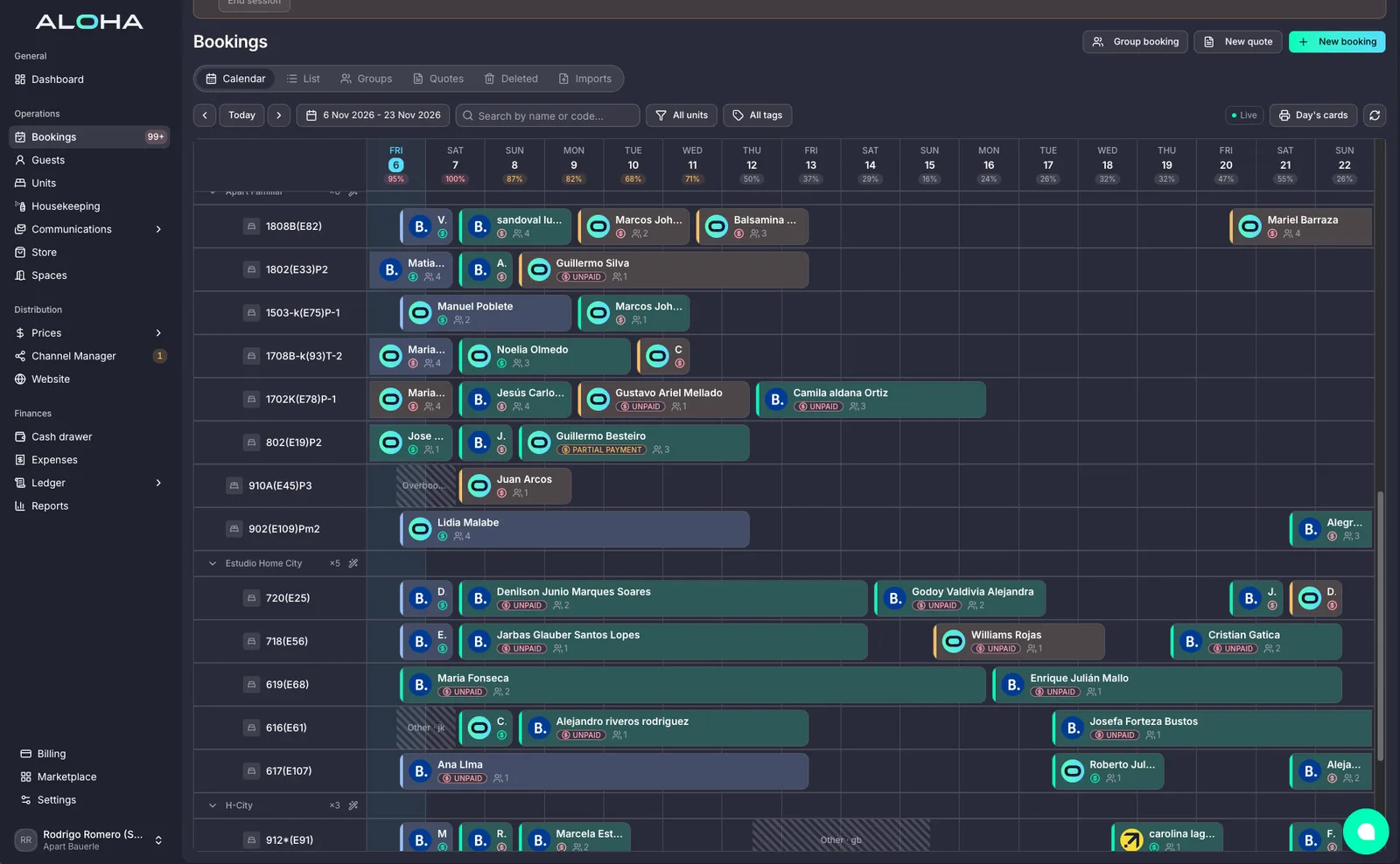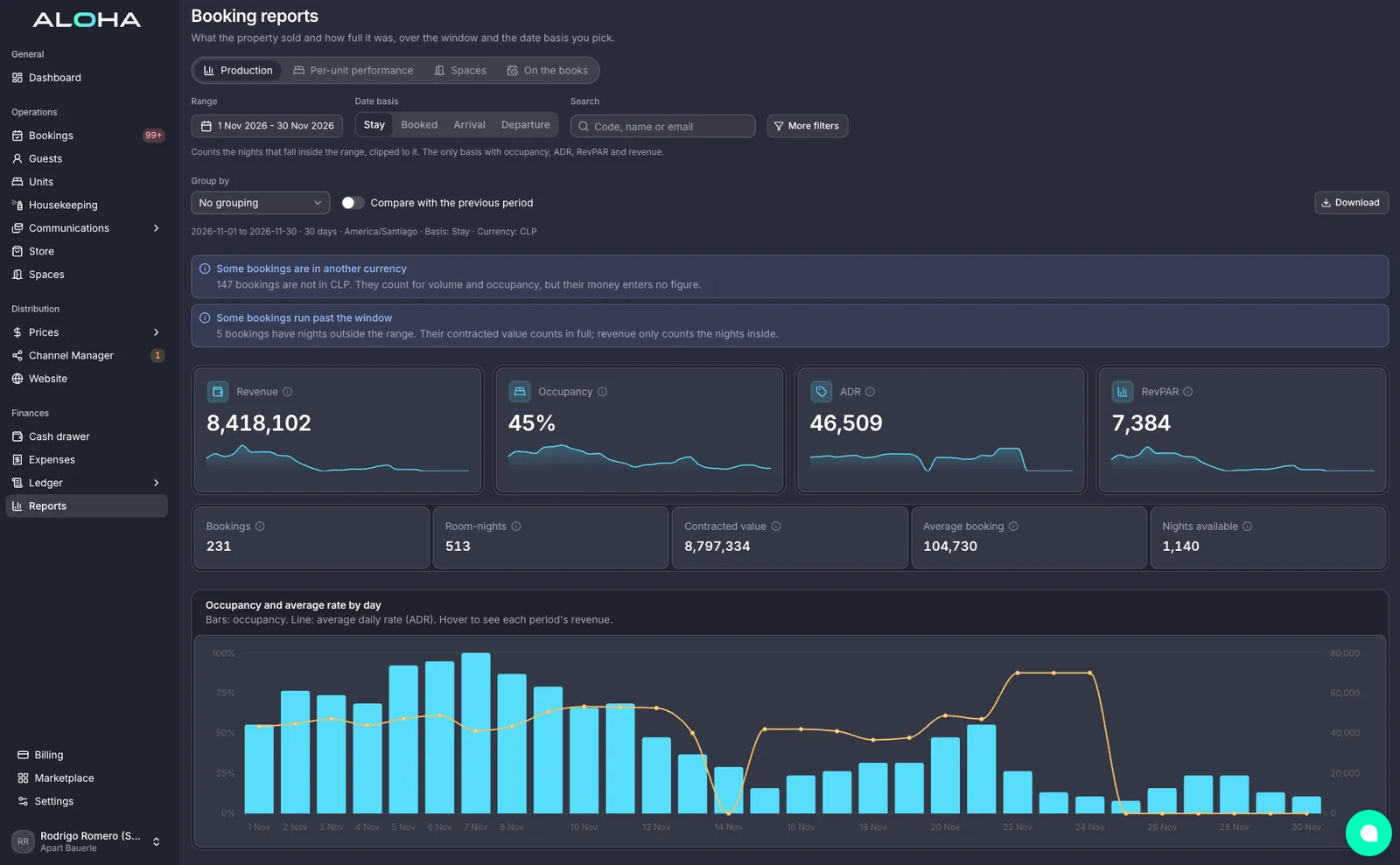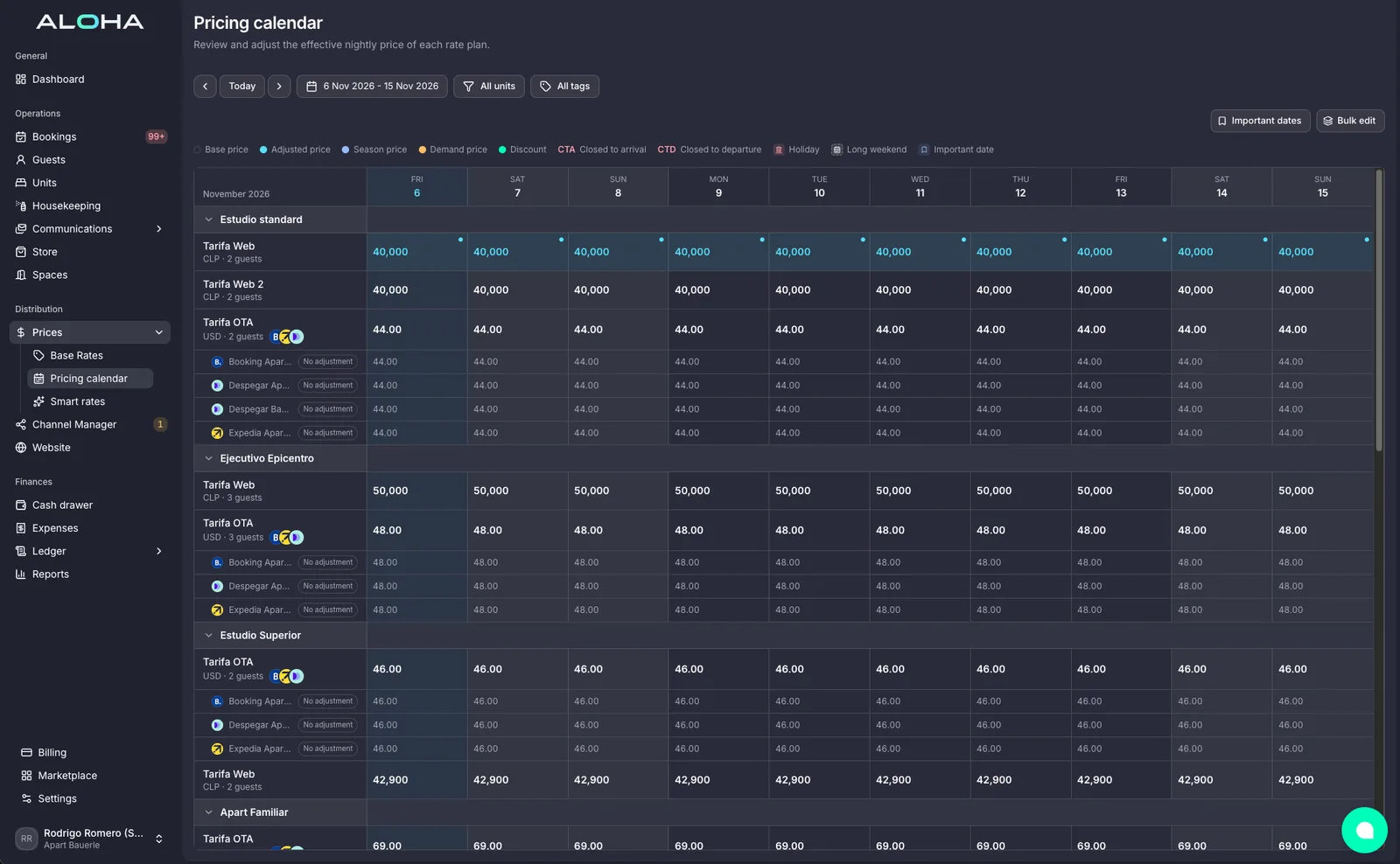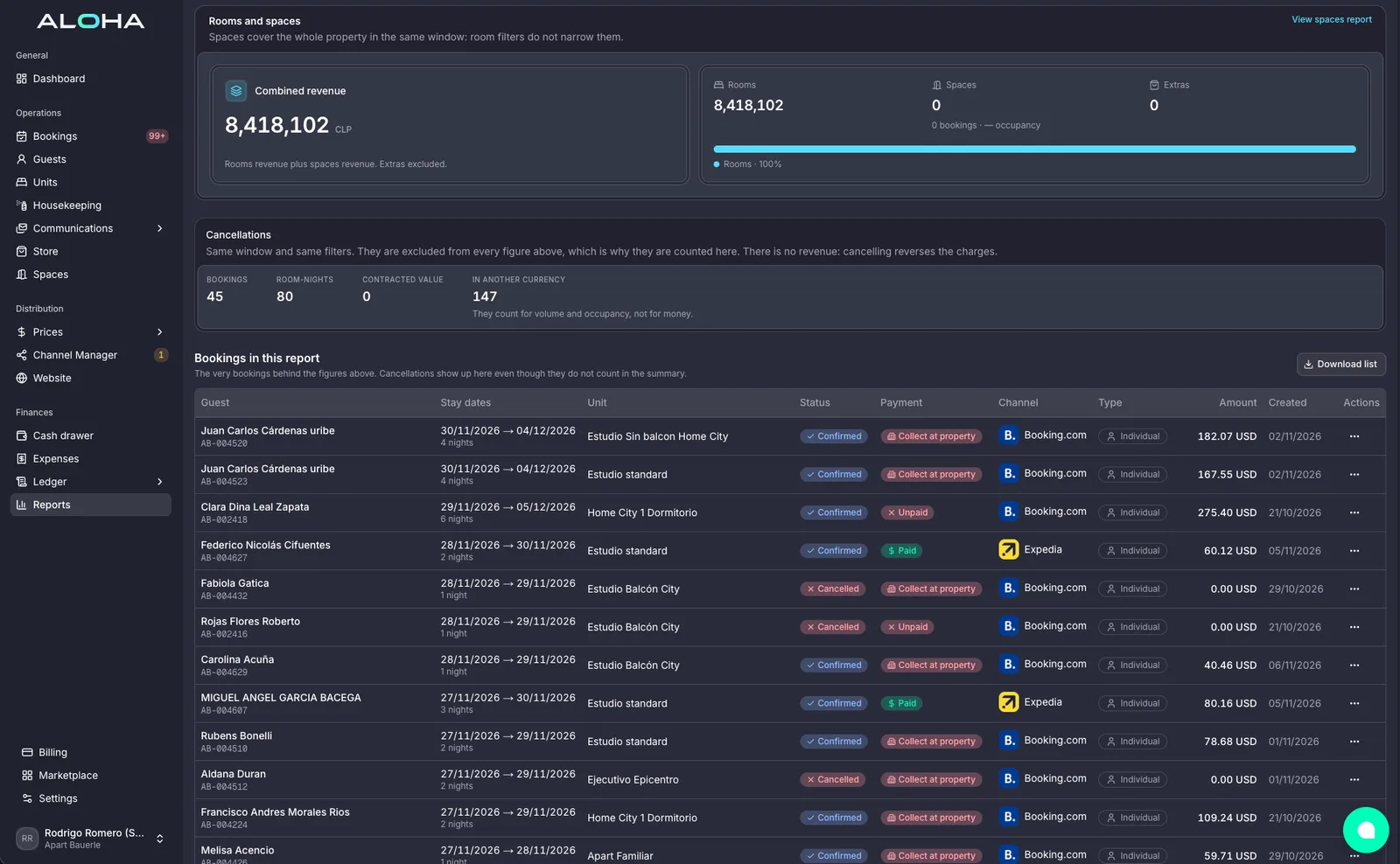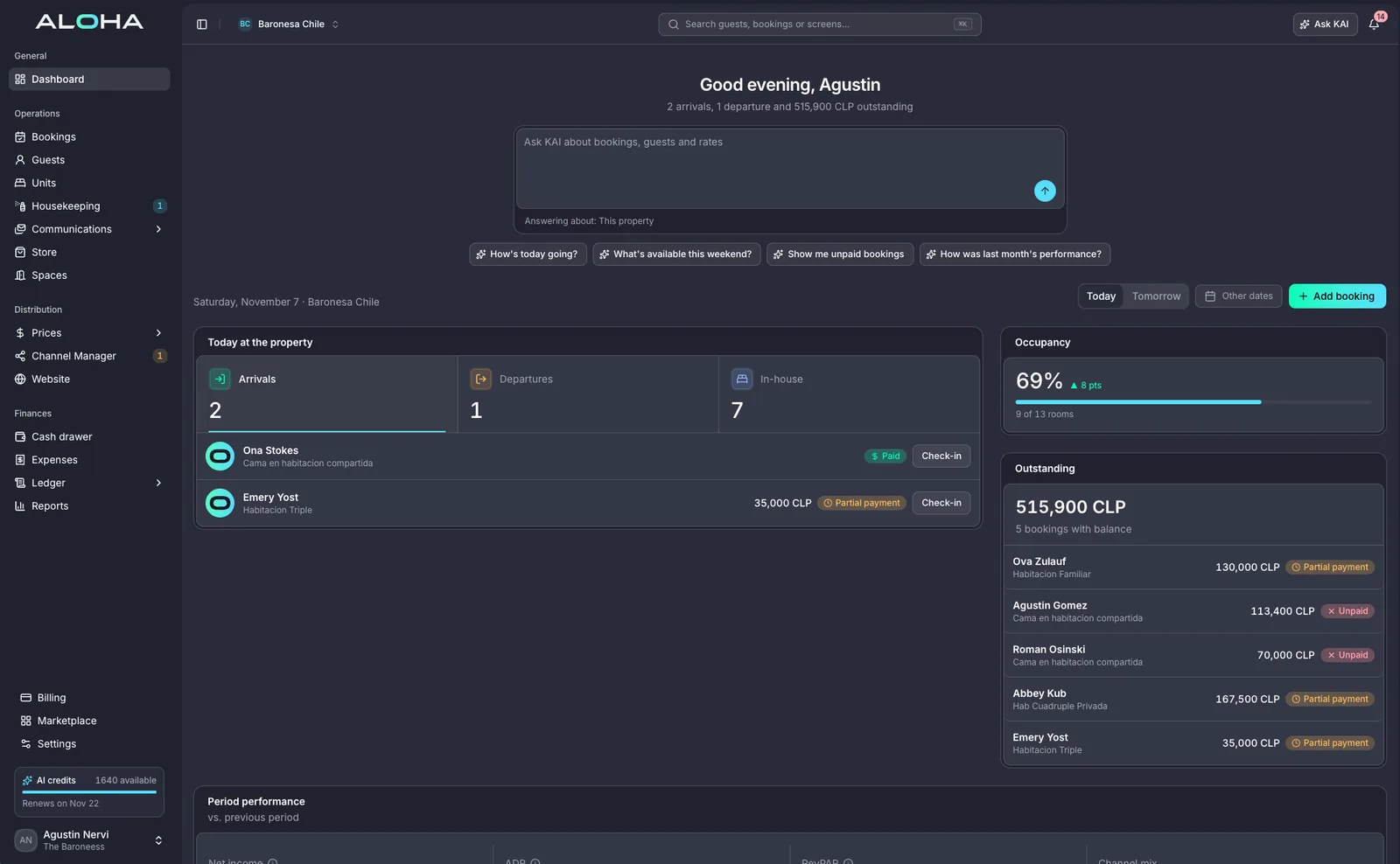
Built for IT managers
One vendor, clean connections, serious security, nothing to install.
- 01
Cloud-native, nothing to install
- 02
Role-based access and audit logs
- 03
Open connections for your integrations
The stack, before and after
Hotel IT is usually five vendors and a spreadsheet of logins. Here is what changes with one AI central system.
Before
- PMS, channel manager, payments and messaging from four vendors
- Integrations held together by CSV exports
- On-premise servers and a backup nobody has tested
- User access spread across tools, ex-staff still logged in
With Aloha
- One cloud system for PMS, channels, payments, messaging and spaces
- Open connections for anything you build
- Encrypted data, continuous backups and tenant isolation
- Roles and permissions per property, with an audit log

Nothing to host, nothing to patch
Aloha runs in the browser on any device. Updates ship without downtime, data is encrypted in transit and at rest, and every property group runs isolated from every other.
- Cloud-native, works on any browser and phone
- Encryption in transit and at rest, continuous backups
- Tenant isolation per property group

Open where you need it
Reservations, guests, units and rates are available through documented connections with keys per integration and a request log, so your custom tools and partners plug in cleanly.
- Open connections with keys per integration
- Request log for every call
- Custom integrations built with our team when needed
Five questions you will stop asking
Open one to see where the answer now lives.
01Who has access to what?
Roles and permissions are set per user and per property, and the audit log shows who changed what and when.
Users & settings02Where is our data and who can see it?
Data is encrypted in transit and at rest and each property group runs in an isolated tenant.
Security03Can our systems talk to it?
Open connections expose reservations, guests, units and rates, with keys per integration and a request log.
Your own system04What happens when a channel goes down?
The channel sync shows the state of every connection and retries automatically; the calendar stays the source of truth.
Channel Manager05How do we onboard a new property?
Clone a property's setup, import its data and connect channels; no servers, no installs.
SetupSmarter operations start here
One platform running the whole operation: your property, your payments, your AI staff and every space you rent.



Built around how you work